Personizelypersonizely.net

Personizely changelog

May 2022

New feature

reCAPTCHA integration

You can now use reCAPTCHA's invisible captcha to validate your Personizely forms. This might help you prevent bots from filling your email lists with junk.

Note: This integration only works with the non-enterprise version of reCAPTCHA.

New feature

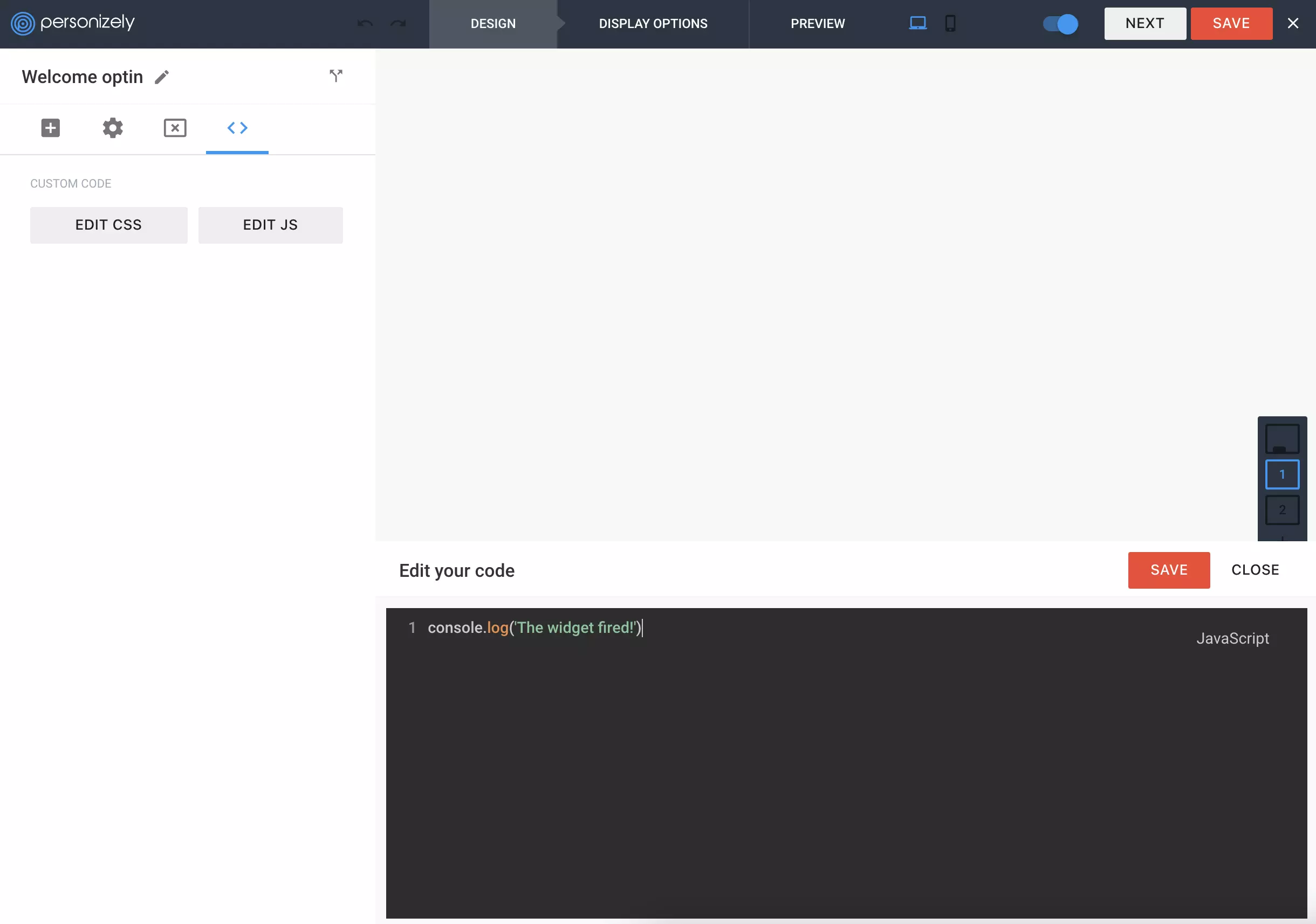
Custom CSS preview

Custom CSS preview

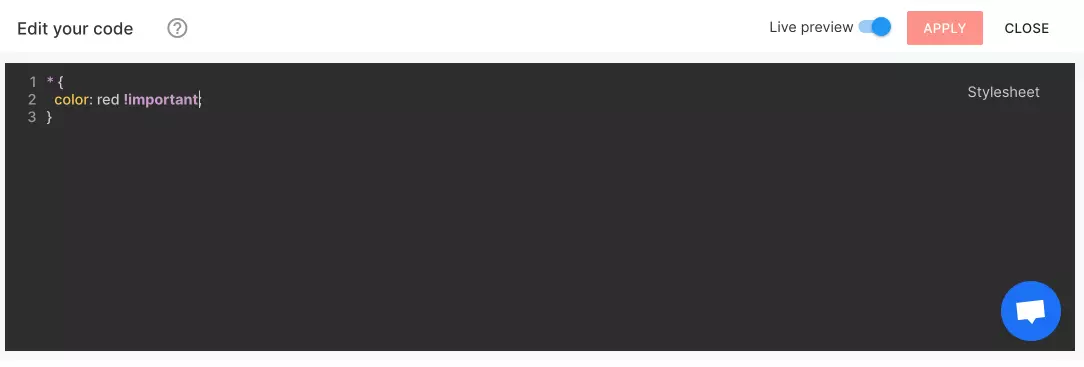
We've recently released the possibility to include custom CSS alongside your Personizely widgets to give your more styling flexibility. But there was an issue - it was hard tailoring the CSS when the changes could only be previewed live on the website. For this, we now created a new toggle that allows you to enable or disable the live preview of the CSS so you can preview it directly in the widget builder.

April 2022

New feature

Dotmailer integration

Another email service integration has been built to allow you to sync the contacts you are collecting through Personizely widgets to Dotmailer lists.

New feature

Surveys

One of the biggest and one of the most requested Personizely features has been released alongside a lot of improvements to make the multi-step widget experience much smoother.

Survey element

A new Survey element has been added to the list of the ones you can drag and drop onto your widget. Every Survey element is assigned a default or custom field. Select and radio field types will have the options generated automatically from the custom field's options whereas for other fields like text, number, etc. you'll have to specify the value to be assigned for each option manually. Every survey option can have its unique action, or you can select all of the options to behave the same. This allows you to create complex survey flows with multiple steps and ulterior questions based on the previous answers. We are excited for you to give them a go and let us know what you think of them.

Improved steps management

There've been a lot of improvements made to the step management allowing you to rename steps, so it is easier to keep track of them when you have a lot of steps and complex multi-step flows.

Another thing is the steps drag and drop - you can now re-order your steps as well as switch the initial step to a different one which was not possible previously - just drag and drop the step you wish to be shown initially to the first position.

February 2022

New feature

iContact integration

A new email marketing integration was developed which allows you to sync your contacts with iContact. This integration also allows targeting visitors/contacts by their list subscription status.

New feature

Postal codes CSV import

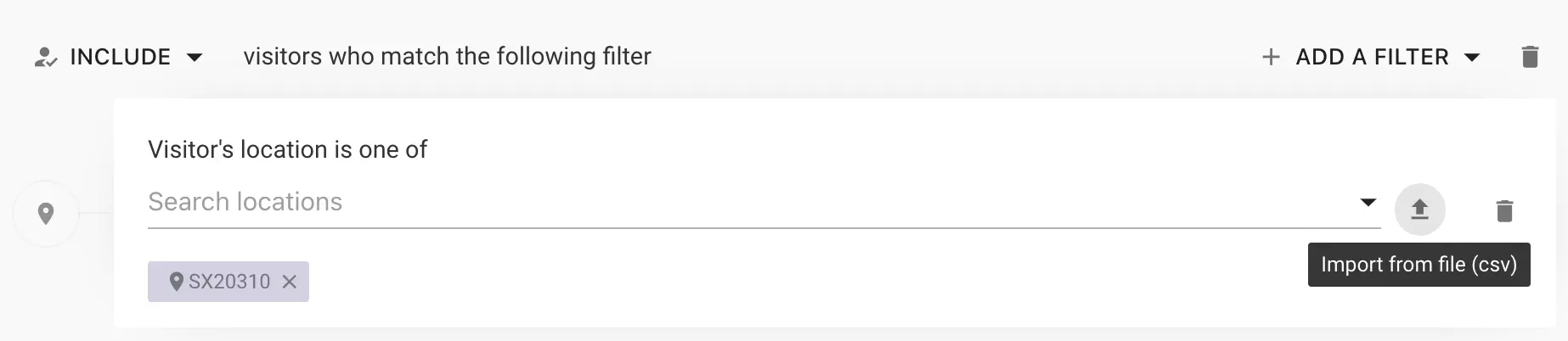
You can now import custom codes to the Location targeting filter from a CSV file. If you have multiple columns containing a postal code, you can select which one to use. Please make sure that your CSV file has the correct headers before uploading.

January 2022

New feature

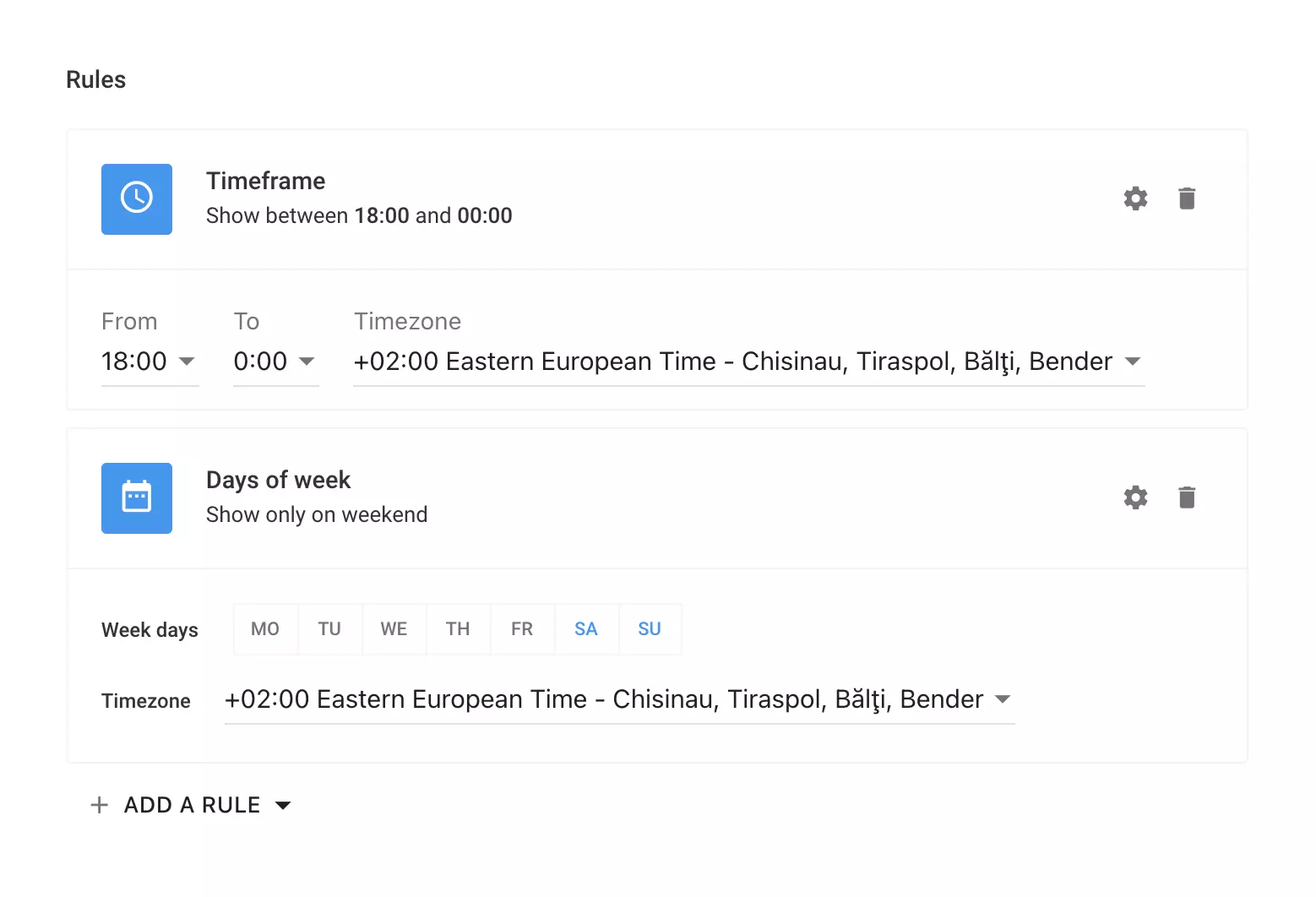
Timeframe and days of week widget rules

You can now set your widget to show up only on specific days or only during a specific timeframe within a day. The skip days option has migrated from the scheduling section to rules where you can also specify the timezone of reference for them.

New feature

Wix integration

A new platform integration has been developed - Wix. It allows tying Personizely very well into your Wix website. The code snippet is being added automatically and there are a lot of other benefits like:

  1. Contacts sync and tagging
  2. Cart and Order history-based targeting
  3. Cart add and checkout widget triggers

The app is also available on the Wix App Market: https://www.wix.com/app-market/personizely

New feature

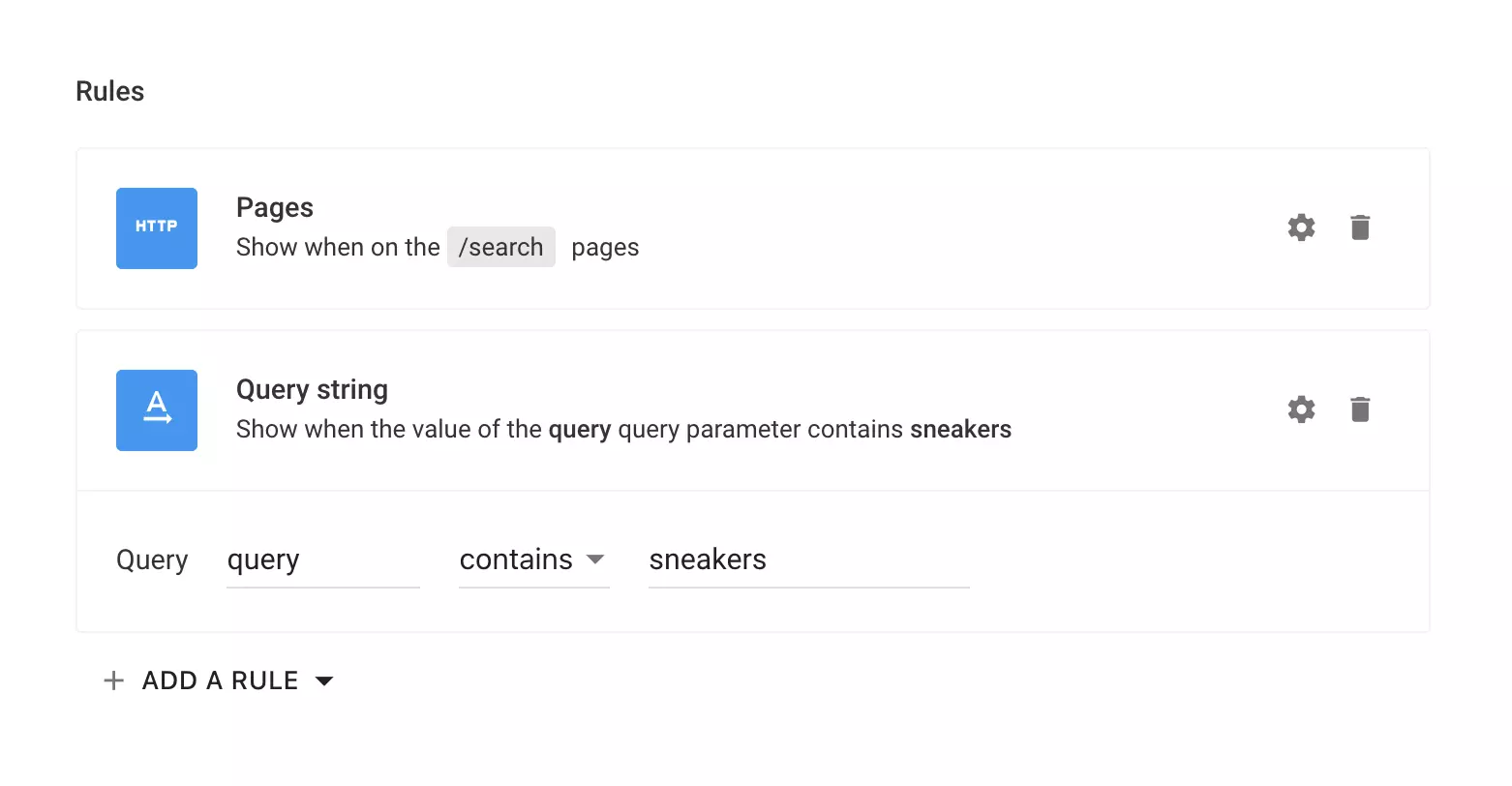
Query string rule

You can now show a widget only on pages that have a certain query string value. For example, you can show a widget only on search pages where visitors search a certain term:

https://site.com/search?query=Sneakers

Note: This rule works differently from the targeting query string filter which is remembering the query strings across page views and sessions, whereas the widget rule is only referring to the current query string value on the current page.

New feature

Widget images prefetch

All of the images present in a widget are now prefetched prior to the widget being displayed. This helps display the widget smoother without any images to be loaded when the widget is already visible.

December 2021

New feature

Improved widgets branding

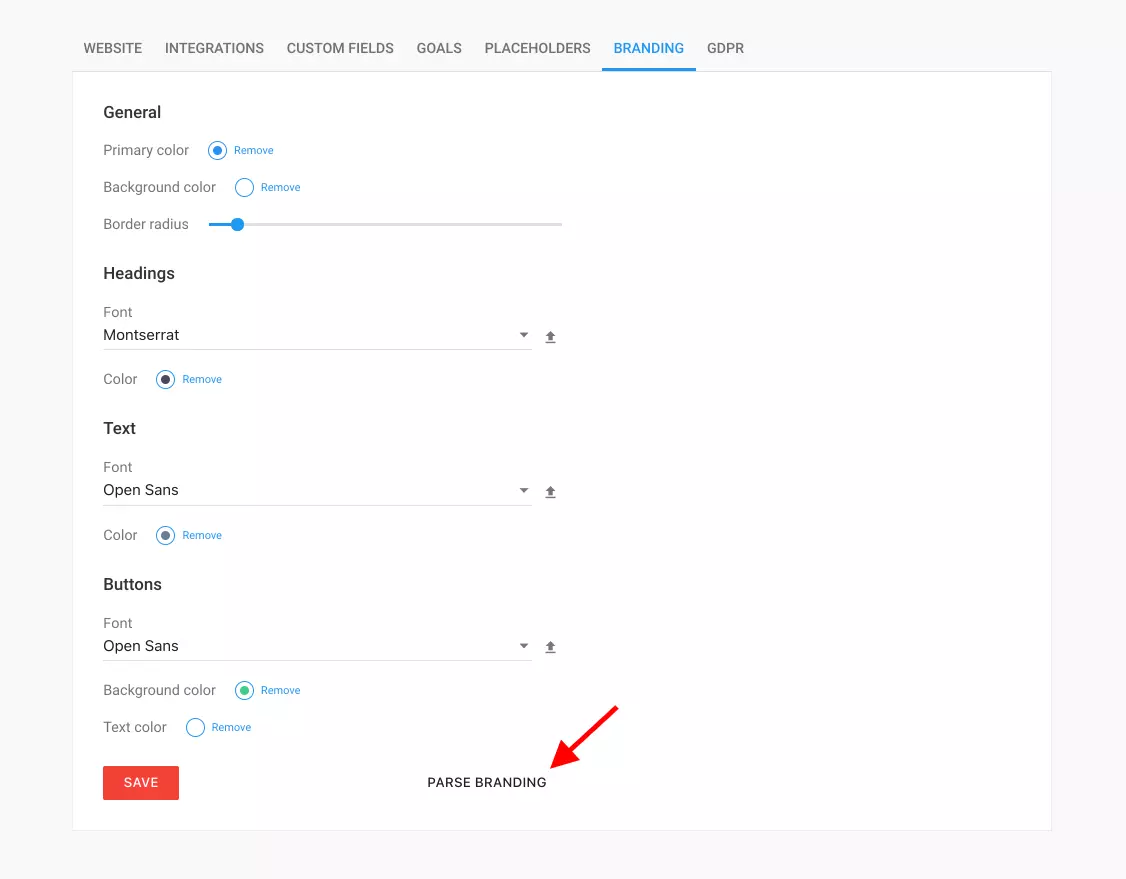
We've continued working on the website branding configuration to keep enabling you to build widgets that match your brand with even more ease. The configuration options became more straightforward and now better reflect how is every option going to be used.

You're now also able to parse branding from your website. It will try to parse all of the necessary colors and fonts (if available on Google Fonts or uploaded by you). Make sure to double-check every option after parsing to make sure everything is going to look correctly once you will be building your widget inside the widget builder.

November 2021

New feature

Various fixes and improvements

As you may already know - besides building new features, we're also constantly working on improving the overall user experience within our product and also on fixing various issues that arise. Over the last few weeks, we've shipped quite a few improvements that should make using Personizely even better.

Improved integrations management

We've built quite a lot of integrations to date and it became cumbersome to go and find the integration you need in the list so we've created a simple filtering UI for this. Also if you have an integration that is enabled - it will always be above the ones disabled so you don't have to scroll to find the ones you need.

Ability to refresh the integration right from within widget's action setting

You can now refresh the integration data (like lists, tags, forms) right from within the form action popup so you don't have to close the widget builder anymore to go to the Settings page and refresh the integration if you have new lists in your email marketing system.

Text editor improvements

We've implemented various text editor improvements so it's a little more predictable. Now the default font of the editor will always be the one you've set up in your branding settings. Also, the font sizes and headings are showing correct values all the time.

Popup backdrop blur

You can now set the widget backdrop to blur the website behind it, besides the darkening that was available previously.

Zoom hover effect for buttons

You can now add zoom-in and zoom-out hover effects to your buttons.

The background image size can now be configured

You can now choose between cover, contain, and custom for the background size of the widget and widget columns to better position backgrounds.
New feature

Inactivity trigger

A new widget trigger is now available in Personizely. You can se up a widget to show up if the visitor is inactive for a certain period of time. You also have the option to switch the title of the tab if the visitor has switched the tab to draw attention to it (and to the widget that appeared in it). You can also choose to blink the title if you want to make it even more prominent among the browser tabs.

September 2021

New feature

Fonts management and upload

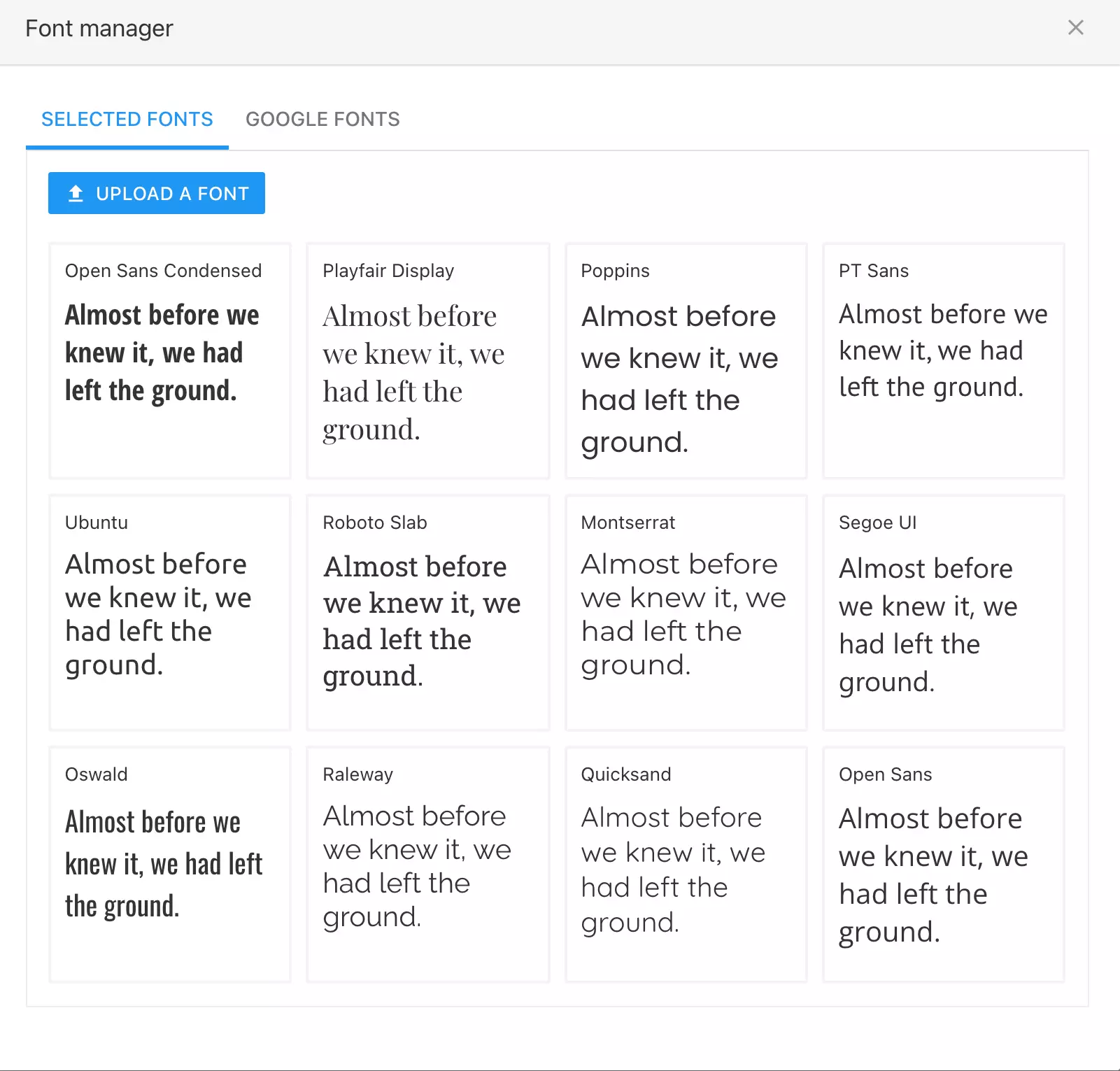
You can now upload your custom fonts to Personizely. You can upload, TTF, WOFF, and OTF font files, you'll be able to specify the regular, italic, bold and bold italic font variants in order to properly display text in the given font.

Also, you're now able to add any font available in the Google Fonts library to your font collection, for later use in the widget builder. Just select it and it will be added to your library.

You can access the font manager by clicking the upload button near any font selection drop-down inside the widget builder.

New feature

Website branding defaults

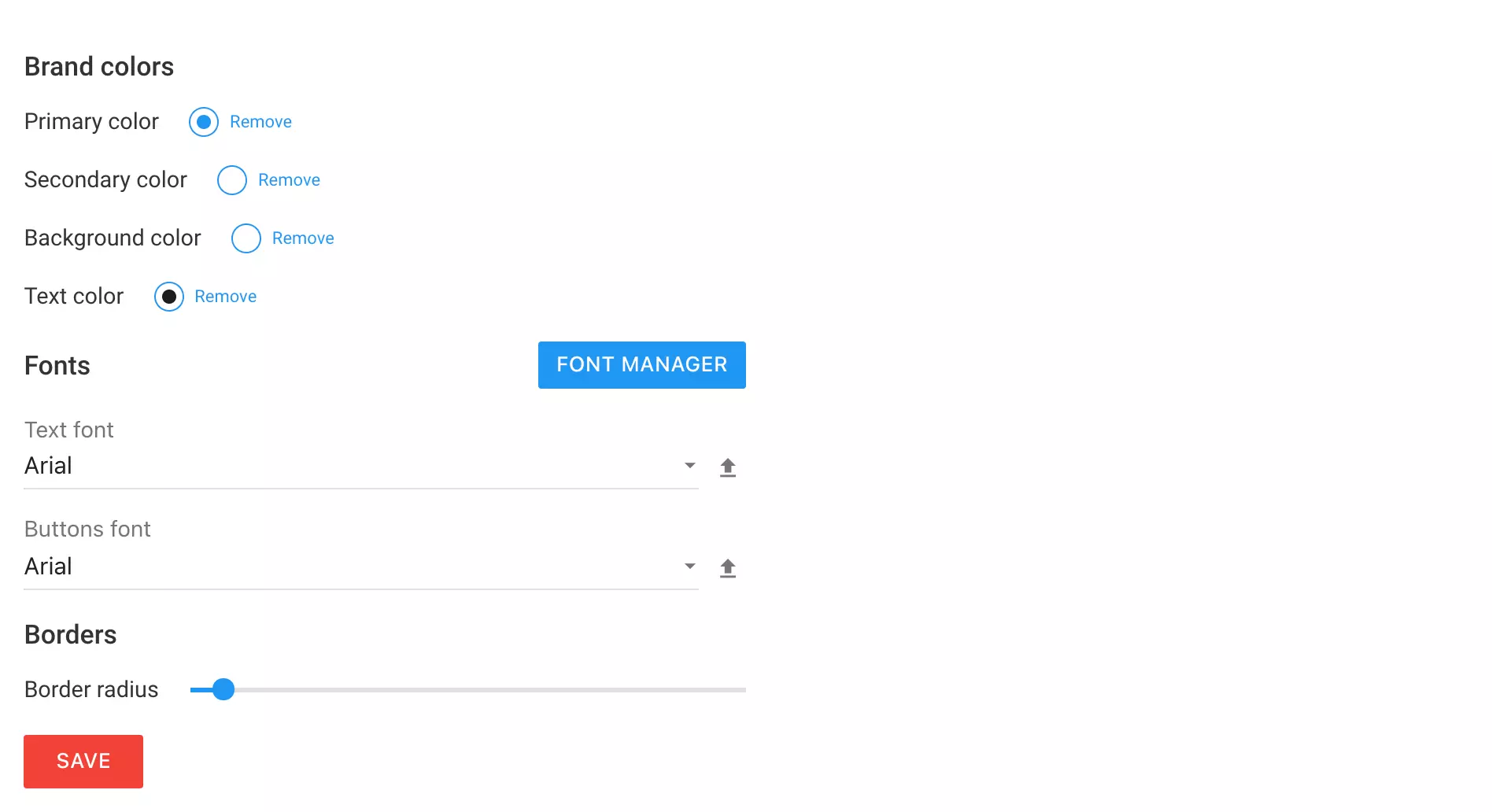
You're now able to specify your preferred branding settings which will be the default ones when you create a widget from a blank template, or when you drag and drop a new element onto a widget. You're able to manage your fonts and select which fonts are going to be the default ones while also being able to select your brand colors, so all the buttons, forms, and text elements match your brand guidelines when you add them to a widget. This allows you to quickly create widgets that are on-brand from the very beginning without the need to use a template.

To access the Branding settings page please go to Settings -> Branding.

New feature

New form submit alert option

We have now added an option to select whether to send all visitor's fields in the alert email or to just send those that are present in the relevant form. It will allow you to cut through the noise of all those fields that might not be necessary for this specific alert. By default, this will be disabled and you'll still receive all the filled-in fields in your alert.

August 2021

New feature

Widget teaser

A teaser functionality has now landed in Personizely. You may now show a small teaser of your widget before showing your full version of it or keeping the offer active using the same teaser if the visitor decides to close the widget. The teaser can be enabled by activating the Teaser step inside the new step switcher control (see the next topic in this release note). The teaser can be triggered after a delay or after a certain scroll percent. It can also be visually customized in a lot of ways to match your needs.

New steps navigation

Besides the teaser functionality, the widget steps navigation control has also been upgraded in order to always be at your fingertips, without the need to go to another screen.

May 2021

April 2021

New feature

[Action required] Optimized snippet bundle

We have changed how our code snippet should be used. We have removed the need to also include the CSS code onto the site by bundling it into our script file so you can now get rid of the tag from your snippet. To make sure that your code snippet corresponds to the up-to-date one please go to Settings of your website.

Note: For those using Personizely with Shopify - no action is required. For those using it with a WordPress plugin - just a plugin update is enough.