New feature
Website branding defaults
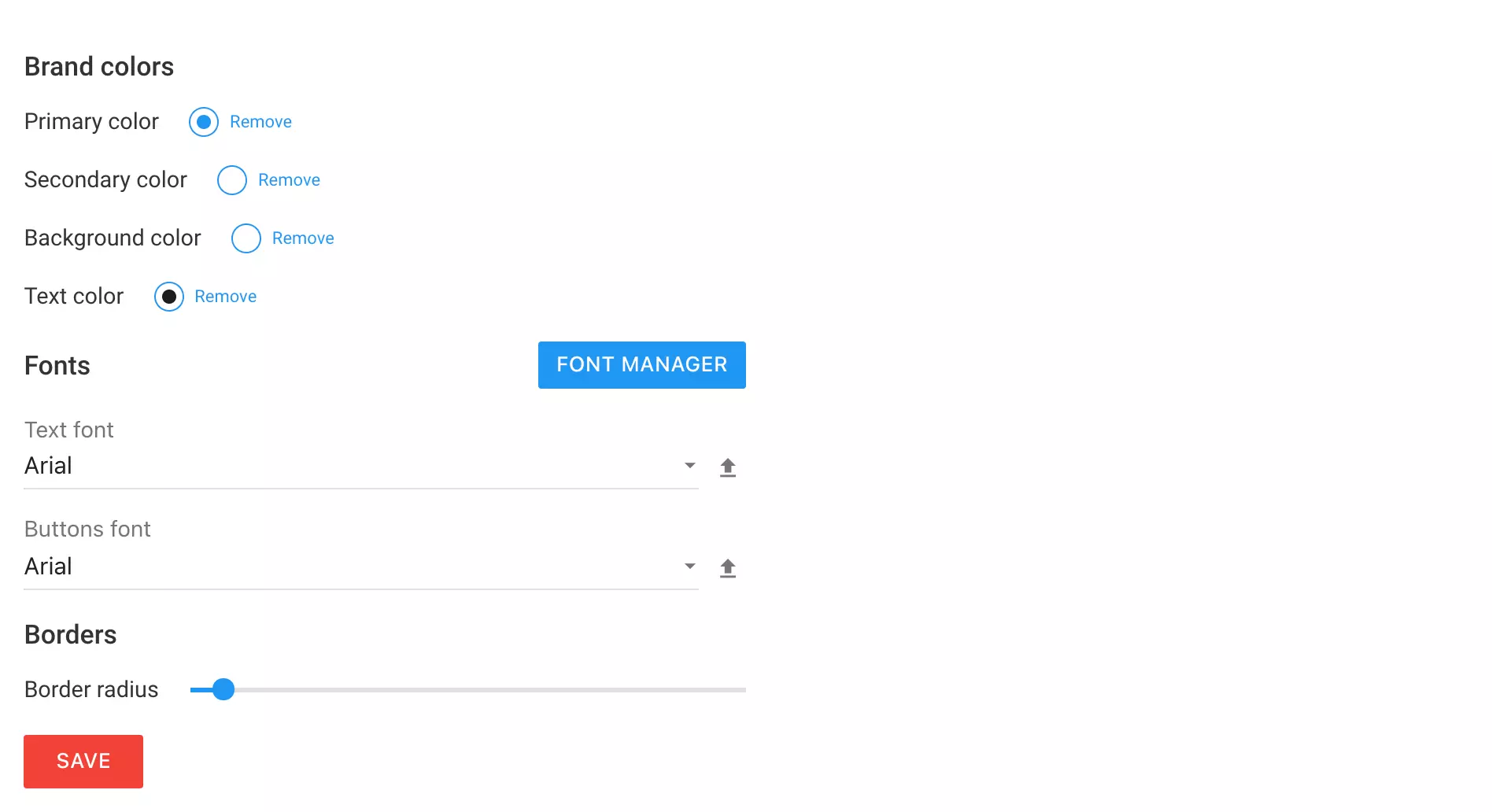
You're now able to specify your preferred branding settings which will be the default ones when you create a widget from a blank template, or when you drag and drop a new element onto a widget. You're able to manage your fonts and select which fonts are going to be the default ones while also being able to select your brand colors, so all the buttons, forms, and text elements match your brand guidelines when you add them to a widget. This allows you to quickly create widgets that are on-brand from the very beginning without the need to use a template.
To access the Branding settings page please go to Settings -> Branding.