New feature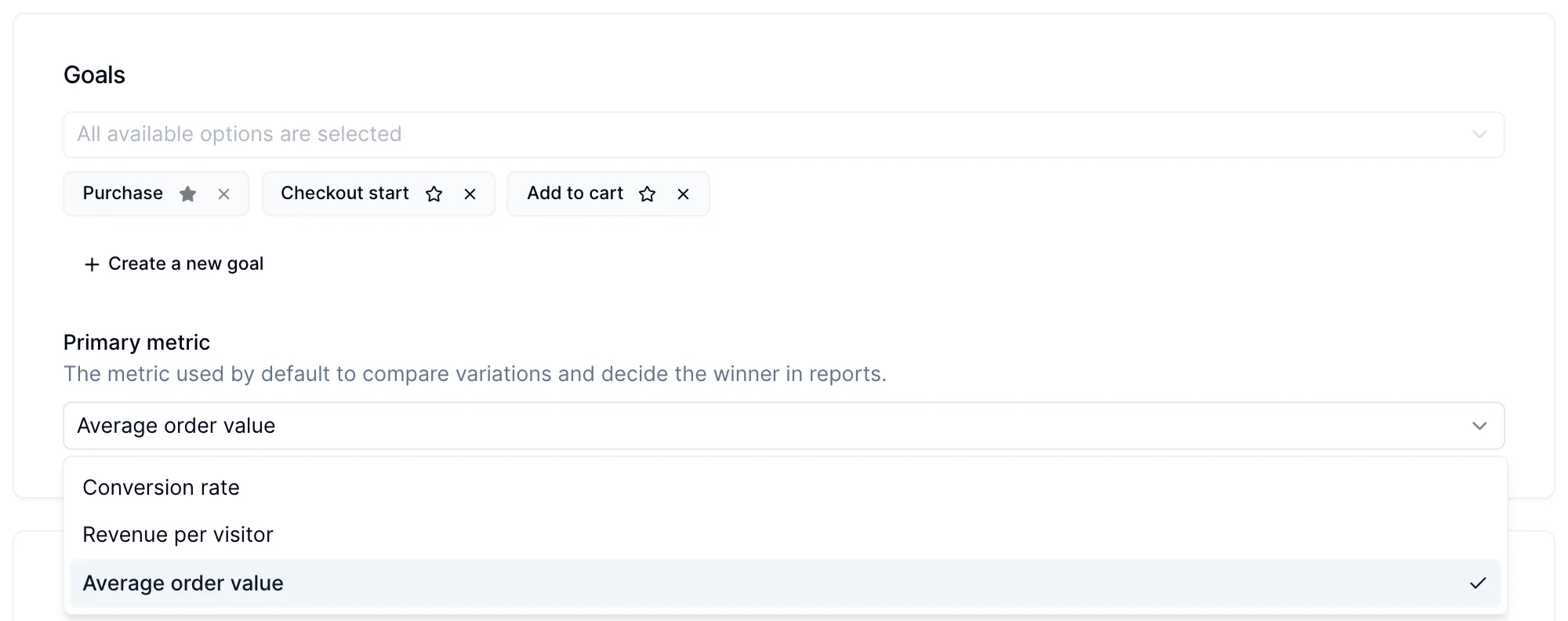
Choose the primary metric for each campaign, including AOV
You can now pick the metric each campaign is judged on, and average order value (AOV) is one of the options. Reports and the winner verdict follow the metric you choose, so a test meant to raise basket size is not declared a loser just because its conversion rate did not move.
How to set it
Open a campaign and find Primary metric in the Goals section. The options are:
- Conversion rate (default): the share of visitors who reached the primary goal.
- Revenue per visitor: revenue divided by all visitors in each group. A good all-round choice for revenue tests.
- Profit per visitor: only shown when profit analytics is on for your website.
- Average order value: revenue per order. Use it for upsells, bundles and free-shipping thresholds, where the goal is bigger orders rather than more of them.
The primary metric sets the default view and decides the winner. You can still switch the Compare by selector in the report to look at the other metrics. The same setting is available through the API and the MCP server.
In August we also started showing the estimation formula even when the control is the winner, so you can always see how an estimate was reached.