Spin-to-win wheel for widgets
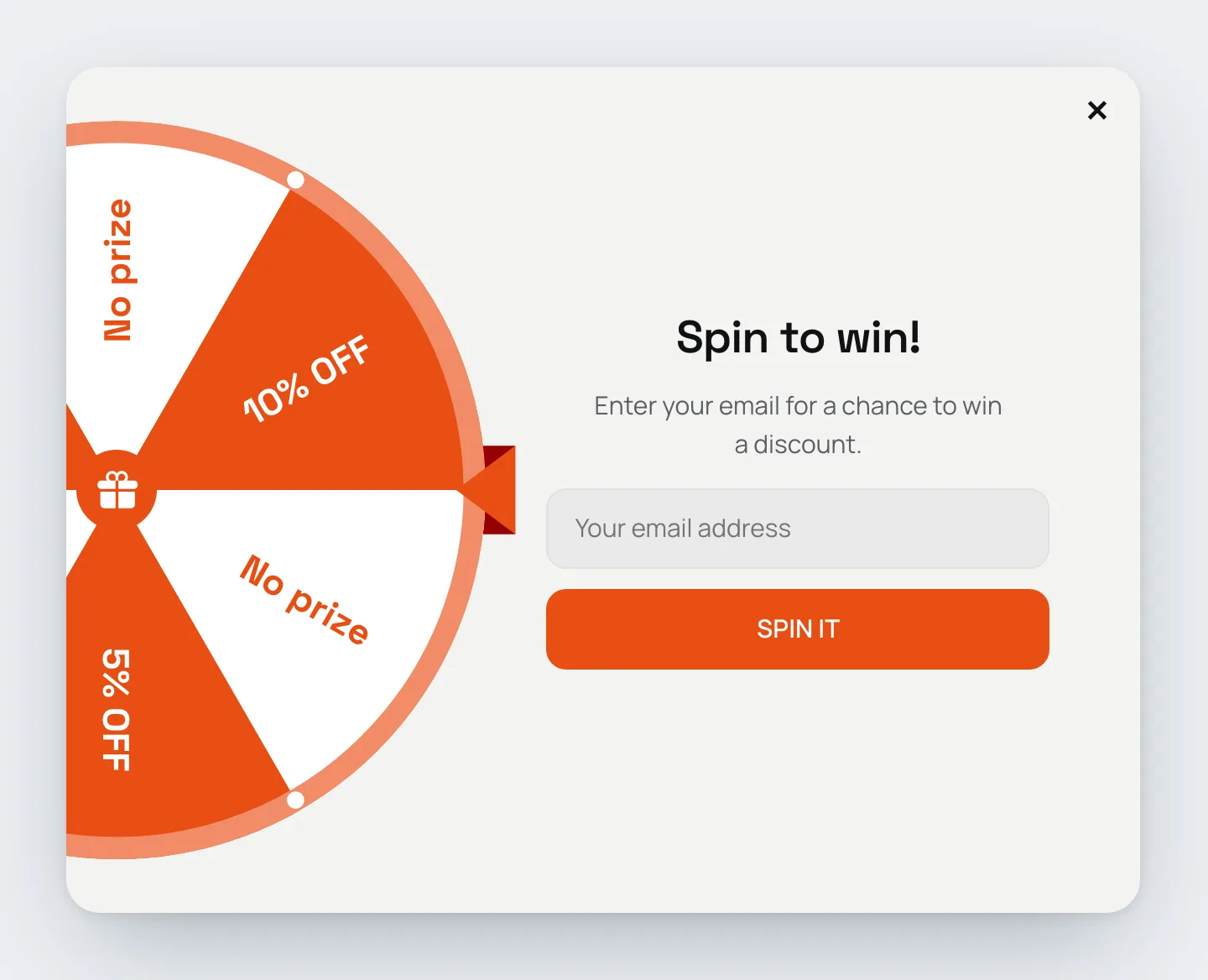
Add a wheel of fortune to any widget. Visitors spin it for a chance to win a discount, which makes list-building and discount popups more engaging than a plain form.
Start from a template
Spin-to-win templates are available under List building, with an email field visitors fill in before they spin, and under Promo, without one. Each comes in two layouts: the wheel above the text, or a half wheel on the side with the form next to it. They pick up your theme's colors and fonts. Each comes with six segments (10% off, 5% off, free shipping, "Try again" and two "No prize"), a reward step with a coupon code for every prize and a "Better luck next time" step. Replace the sample codes with your own before you publish.
You can also add the Wheel of Fortune element to any existing widget, and use the Spin the wheel action on a button or form to start the spin.
Set up each segment
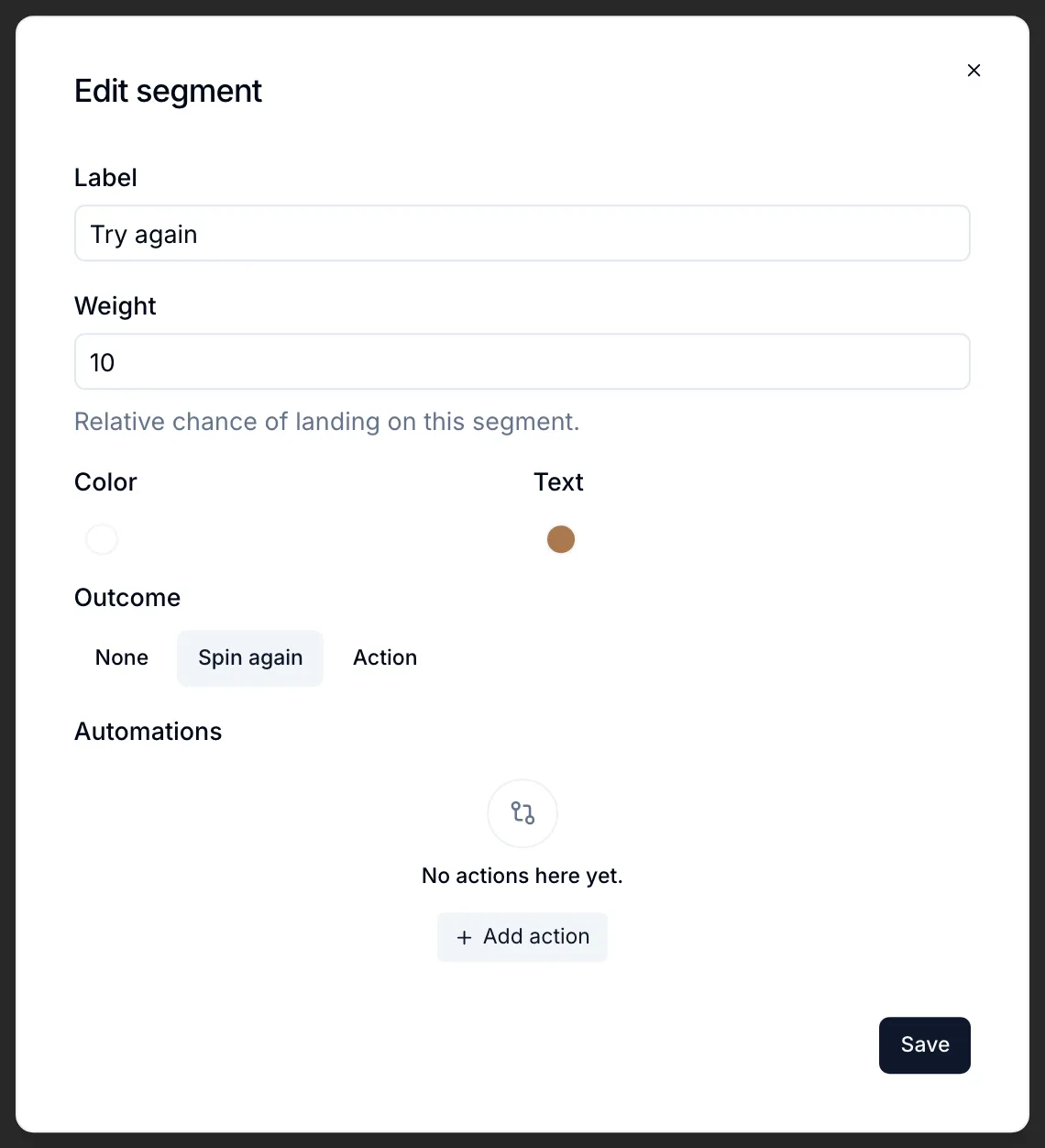
Click a segment in the element settings to edit:
- Label, Color and Text color.
- Weight: the relative chance of landing on it. A segment with weight 2 is hit twice as often as one with weight 1.
- Outcome, what happens when the wheel stops on it:
- None: nothing, the wheel just shows the result.
- Spin again: the visitor gets another spin.
- Action: for example go to the step with the matching coupon, open a URL or close the widget. Integration automations can run per segment too.
The wheel itself has a Spin duration and a Result delay (a short pause before the outcome runs), and you can style the labels, rim, dots, pointer (top or right) and the hub in the middle (an icon, text or nothing).
Spins are tracked as their own event, separately from views and clicks.